Logging Your Implant Experiences
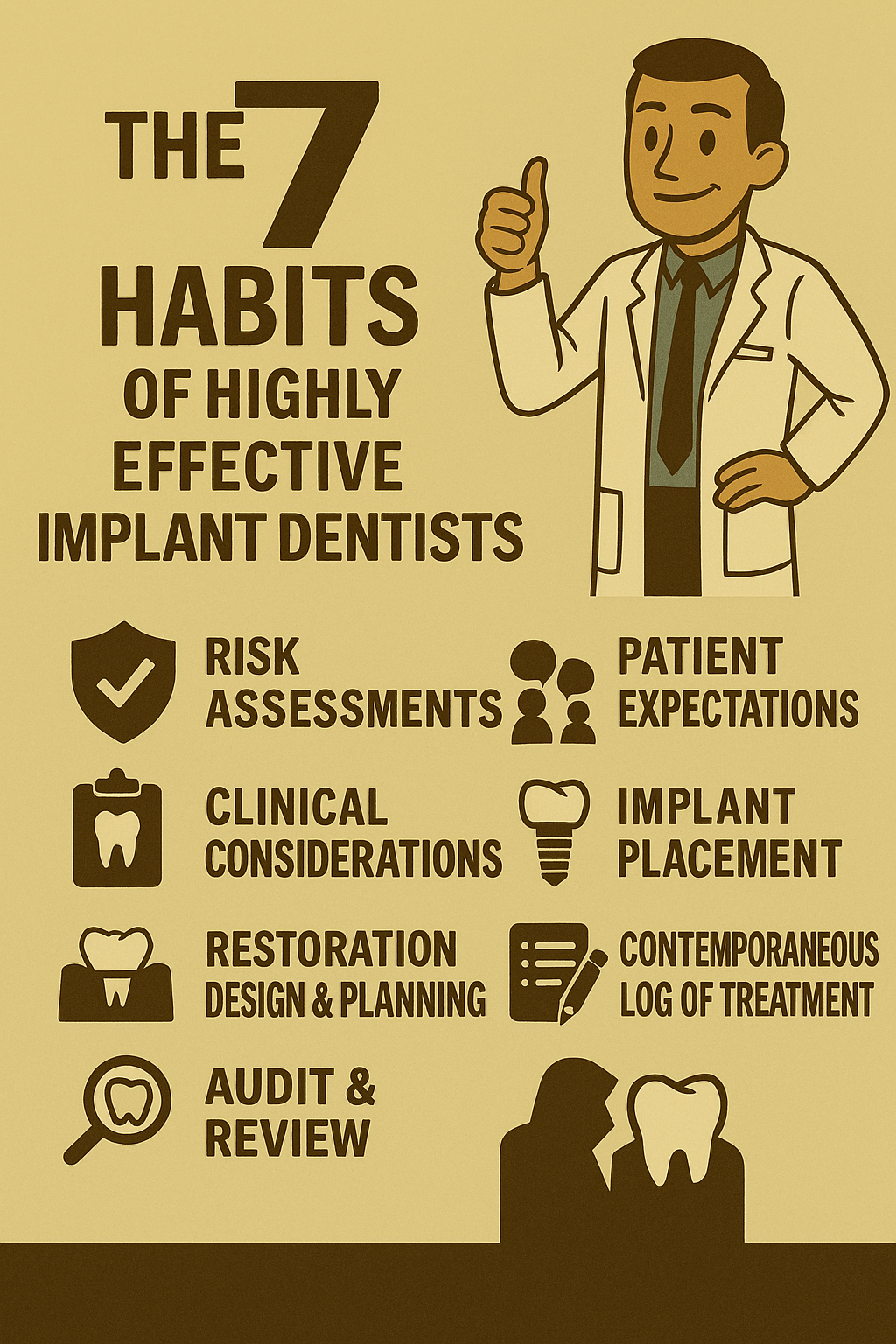
If you’ve trained formally in implant dentistry, you already know: logging every procedure isn’t optional. It’s your clinical safety net, your CPD tracker, and your medico-legal parachute. But how you log it makes all the difference.
Why I Built My Own Implant Logging System
In implant dentistry, documentation is everything. Whether you're replacing a restoration and need to know the exact components used—or facing a patient who has no idea what’s in their mouth—having a clear record saves time, stress, and reputation.
From a medico-legal standpoint, if you can’t demonstrate your experience, you’re skating on thin ice. Logging every procedure and every bit of training protects you. It’s not just compliance—it’s clinical self-defence.
But compliance is a burden. So why not make it easy?
Take Control of Your Data
I recommend using a custom database with a simple input method. This keeps your data secure and accessible—without relying on third-party platforms that might vanish overnight.
Just a word of caution: if you’re handling patient data, you’re responsible for it. Stay up to date with information governance, register with the Information Commissioner’s Office, and only collect what’s necessary. More data isn’t always better—and it’s definitely not always legal.
Lessons from Experience
I once used an online database provided by a respected implant association. It was brilliant—until it wasn’t. The subscription model collapsed, the platform was pulled, and my data disappeared.
Luckily, I’d backed everything up:
- A custom screen in my practice management software
- A written log with implant stickers
- (Almost) an implant passport for patients
That redundancy saved me. And it taught me to build systems that I control.
My Current Setup
I now use a simple database accessible via phone or web. It allows me to:
- Input data from anywhere
- Customise fields to suit my workflow
- Add photos and x-rays directly
- Avoid typing serial numbers manually
The form is easy to teach to staff, so I can delegate without losing control.
Once the data’s in, I can sort, audit, and generate reports. I can even email a personalised implant passport to the patient or send a summary to the practice.
Who Benefits?
- Patients – They get clarity and continuity of care
- Practice – They get clean records and reduced liability
- You – You get protection, proof, and peace of mind
Bonus Tip: Use Smart Forms
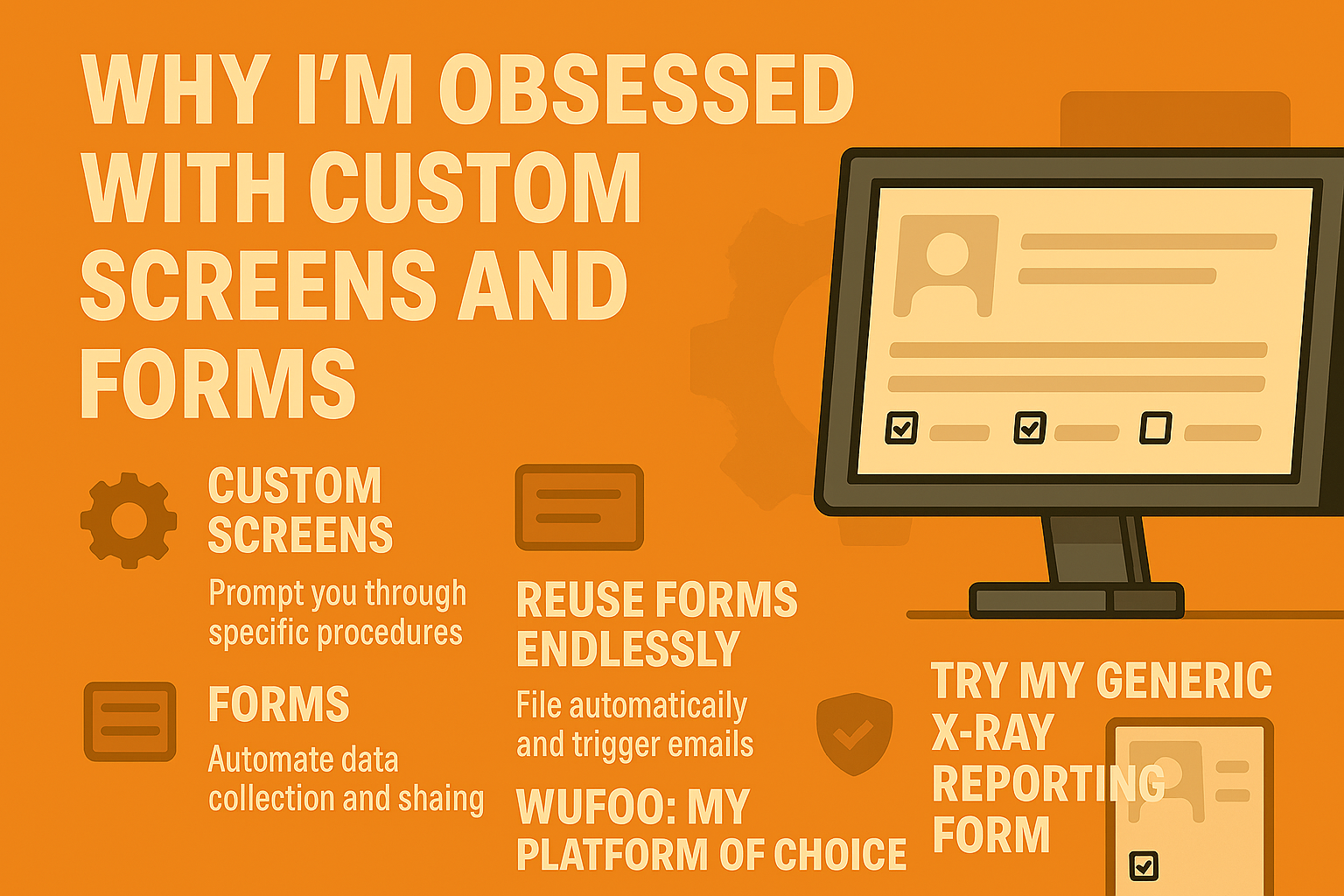
You can create a form that emails you, the practice, and the patient when submitted. Add a shortcut to your desktop, phone, or website. As long as you have internet, you’re good to go.
I use this for CPD logs, x-ray reporting, and more. I’ll dive deeper into custom screens, websites, and e-forms in future posts.
If you’re on our mentee program, these forms are available to you.
And if you’ve built your own system—or want to improve mine—I’d love to hear about it.
I can also turn this into a visual explainer or a carousel post to help your mentees adopt the system more easily. Just say the word.
ID Blog