Using Forms to make life easier

Ashley Watson • January 26, 2026

Computers were supposed to make our lives easier. Some days, they do. Other days, they feel like passive-aggressive filing cabinets with a superiority complex.
Why I’m Obsessed with Custom Forms

Since computers infiltrated dental practices, we’ve reclaimed entire walls of filing cabinet space and spared our staff the soul-numbing task of note retrieval. We’ve also gained the ability to store far more information—hello, “enhanced customer experience.”

Gone are the days of scribbling “PCO Pn UL6, poss #, PA, AB’s TCA XLA.” There’s a certain purity to that shorthand, but now we’re expected to document everything from the patient’s new granddaughter to their house move—before we even get to the clinical bit.

Detailed notes aren’t just good practice—they’re a medico-legal necessity. So why not make your life easier with custom screens and forms?

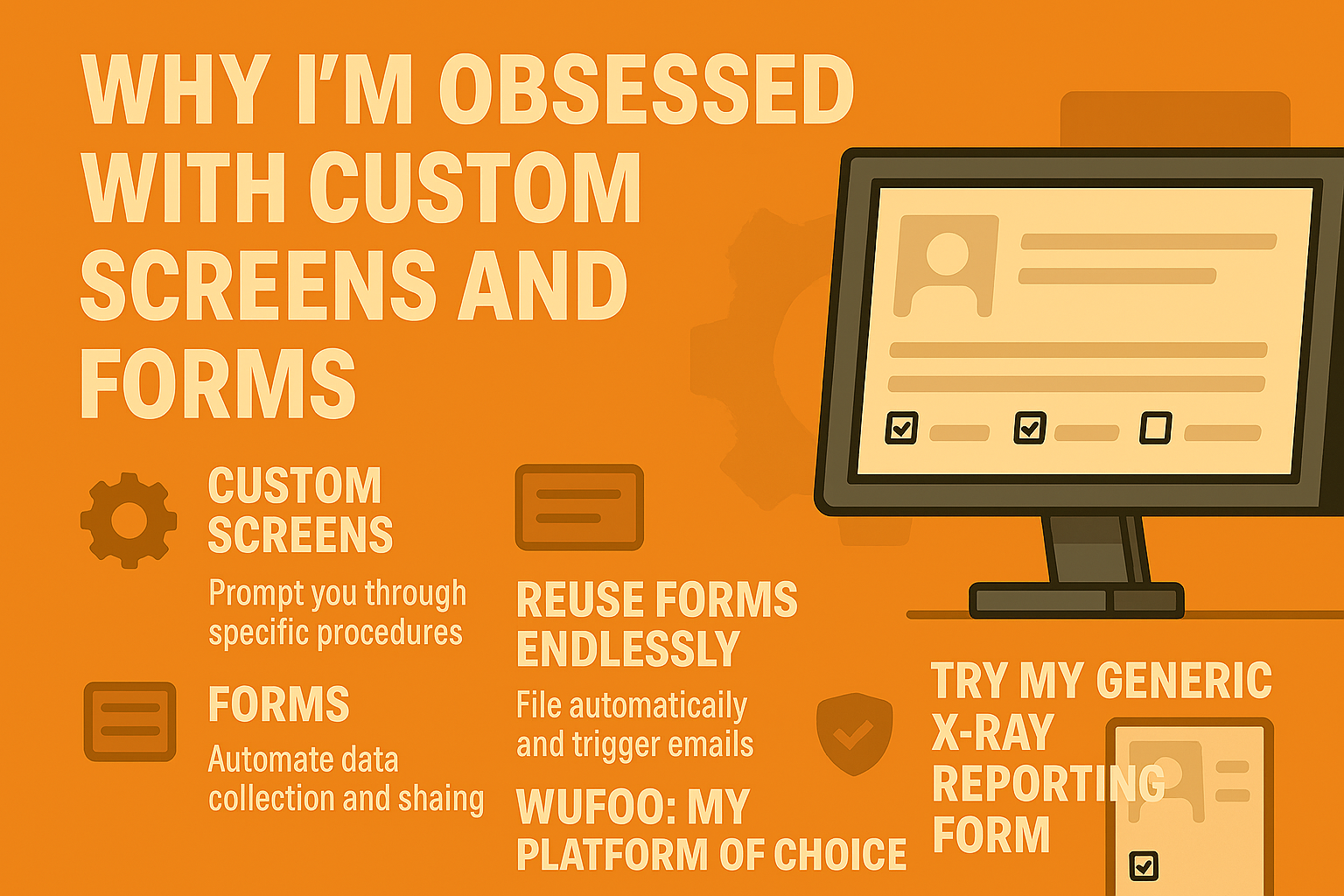
Custom Screens: Your Clinical Cheat Sheet

Attach them to specific services to act as an aide-memoire. They prompt you to ask the right questions, record the right details, and avoid the “I meant to write that down” regret.

Forms: The Unsung Workflow Hero

Forms are brilliant for collecting and distributing information. Once created, they can be reused endlessly, filed automatically, and emailed to everyone who needs them. Most platforms generate non-editable PDFs, which are perfect for compliance and record-keeping.

In my implant workflow, I use forms to:

  • Assess patients
  • Report on radiographs
  • Prep the team for surgery
  • Log post-op activity

I also use forms for:

  • CPD tracking
  • Pain assessments
  • Medical histories
  • Patient satisfaction surveys

If I’m repeating a process more than once, I build a form for it. It’s that simple.

My Platform of Choice: Wufoo

You’ve probably filled out a Wufoo form without even realising it. It’s flexible, intuitive, and powerful. You can:

  • Trigger conditional questions based on previous answers
  • Set passwords and CAPTCHA checks
  • Limit submissions per device
  • Schedule cut-offs for completion

It’s ideal for preventing misuse and keeping your data clean.

Try This

Check out the generic x-ray reporting form I’ve built. It might just save you time, improve your documentation, and streamline your communication.


ID Blog
By Ashley Watson January 25, 2026
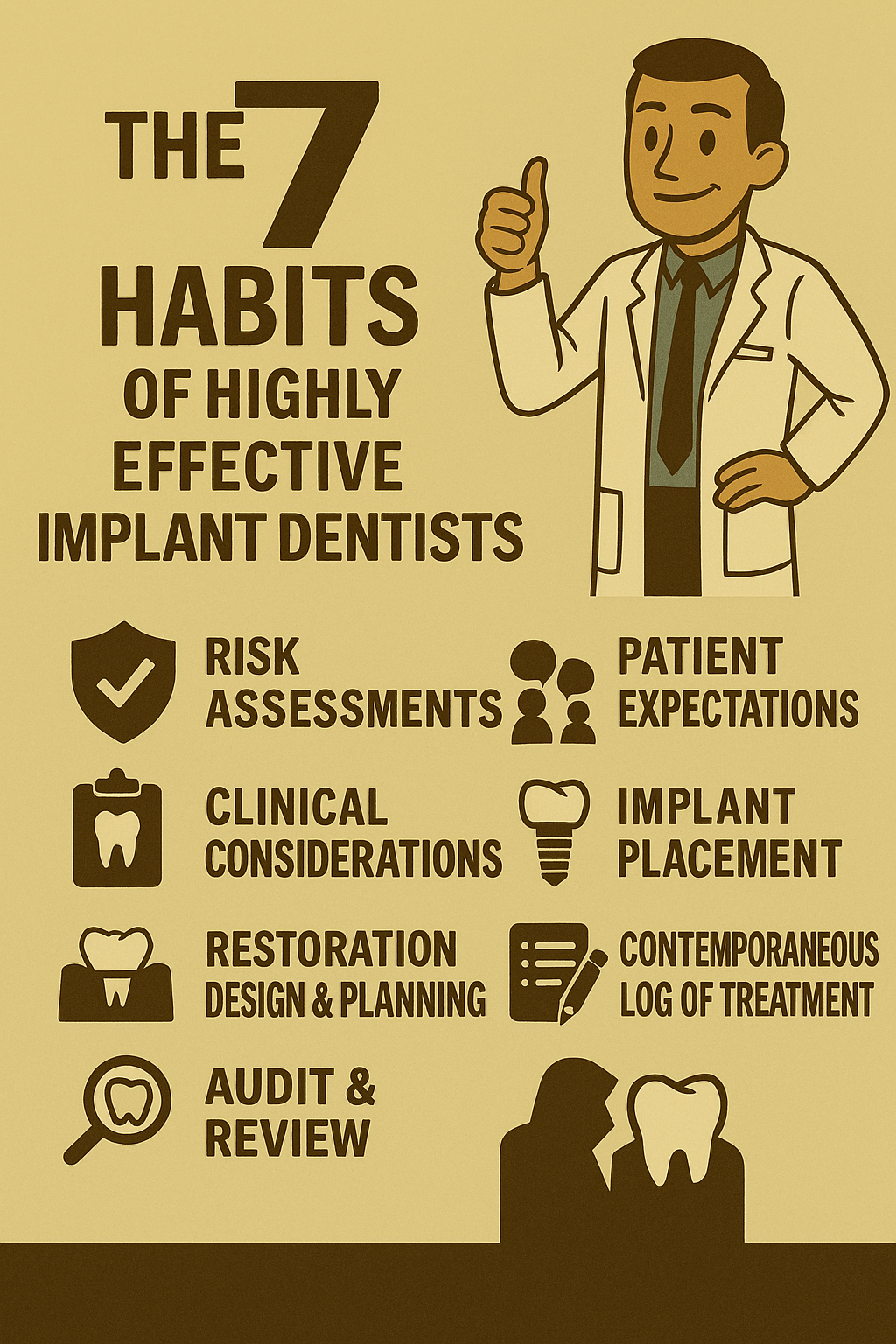
Learn how routines and protocols—from risk assessments to restoration planning—can transform your implant workflow. A practical guide for clinicians who want less stress and better results.
By Ashley Watson January 25, 2026
Why Won’t You Do What I Ask? Dentistry Isn’t Retail—It’s Healthcare 
By Ashley Watson January 25, 2026
“From late‑night typing to instant, intelligent notes — the future of dental documentation has arrived.”
By Ashley Watson January 25, 2026
The Evolution of Dental Record Keeping: From Paper Mountains to Cloud-Based Efficiency Why Good Records Matter More Than Ever Accurate, concise, contemporaneous notes have always been the backbone of safe and effective dentistry. They protect clinicians medico‑legally and allow us to deliver better, more consistent care—without drowning in administrative overload. The Early Days: A Room Full of Billy Bookcases When I began practicing in 1993, the practice I joined had an entire room dedicated to record storage. Billy bookcases bowed under the weight of manila files stuffed with biro‑scribbled hieroglyphics, decades of notes, and the occasional x‑ray. Some even contained dentures or toothbrushes to prevent them from going astray. Every morning involved pulling the day’s cards from the archive and forcing the previous day’s notes back into the labyrinth. Emergencies had to wait until someone could brave the paper maze to locate the right file. It was a system held together by habit, hope, and a lot of elbow grease. The First Wave of Digital Dentistry By the mid‑1980s, Customer Relationship Management (CRM) software began creeping into dental practices. Early platforms like Clockwork were text‑based and rudimentary, but they marked the beginning of a digital shift. For many clinicians over the last decade, Exact by Software of Excellence became the standard. It offered powerful features and add‑ons, but as time went on, it grew increasingly clunky. The core issue was its architecture: locally installed software requiring constant hardware upgrades, network tinkering, and hefty backup solutions. I remember spending entire weekends upgrading versions, genuinely excited by even the smallest new feature. The Cloud Arrives: Dentally Changes the Game Then came Dentally , a cloud‑based platform that redefined what dental software could be. Remote login, instant updates, and near‑limitless scalability made it a breath of fresh air. Initially, many clinicians resisted the shift—understandably attached to the familiarity of practice‑based systems. But Dentally’s intuitive interface and flexibility quickly won over the market. SoE eventually absorbed Dentally, recognising the direction the industry was heading. The Only Real Challenge: Letting Go of the Old Switching systems always comes with growing pains. Customising new software and saying goodbye to years of templates and workflows can feel daunting. But with a bit of focused onboarding—often done remotely—you’ll soon be generating bespoke treatment plans in seconds. And if Dentally’s AI note‑taking continues to evolve, it may well rival platforms like Kiroku and reshape how we document care entirely. Looking Ahead: A Future Beyond the Keyboard The pace of change in dental technology is accelerating. Cloud platforms, AI‑assisted notes, and automated workflows are already transforming the way we practice. Who knows—perhaps in the not‑too‑distant future, we won’t need to tap a keyboard at all. If you’d like, I can also craft an SEO‑friendly introduction or conclusion tailored to your target audience, or help you optimise image alt text for your comic strip.
By Ashley Watson September 27, 2021
There are plenty of things you can do without power, and I don’t mean just handing out antibiotics because the guidelines have been relaxed to meet the need of the current government failings! My trip to Ghana with 30 undergraduates taught me this. Prepare yourself for action: 1. Buy a head torch and a really good hand torch that your nurse can hold 2. Stock up on cotton swabs 3. Make sure you have a go to temporary filling material that is sedative where possible 4. Don’t back yourself into any corners you can’t retreat from When your dental unit stops working the most annoying thing to fail is not the chair or the handpiece, its not even the suction, because even if you get the last wheeze of air from your compressor, if you can’t see what you are doing it is useless. I found that a head-torch or better still your loupes with a light are a dentist’s best friend in these situations. Because head torches were designed for making a cup of tea in a tent, if your nurse can hold a good quality hand torch as well this helps. Moisture control need not be an issue if you have enough sterile swabs and cotton rolls and you are a master in the art without suction. Saliva is easily soaked up or spat into a spittoon and in the worst scenario where a patient is bleeding, pressure and a reassuring manner can slow even the most persistent sites. It’s unlikely that you are going to be worrying about keeping patients waiting so you have all the time in the world to look after the patient in the chair. Whenever you work, you will have an end goal in mind, but remember your training and don’t cut away all your options too early in the preparation. It’s much easier to put on a temporary crown with two interproximal slices rather than just the occlusal reduction, so rethink your protocols, and build in some provision for temporisation at every stage. Even if you are in the middle of an extraction you don’t have to finish if you have an emergency power outage. I often think dentists make a mistake spending hours trying to find a root tip or chasing a brittle, dilacerated monster. If you give up after a maximum of 20 minutes, the patient rarely gets as much pain healing if you leave them alone, than if you successfully retrieved the root. After six weeks the gum would have healed over so a grateful surgeon can go in retrieve the last bit and will have some tissue to raise a flap and cover it all up again afterwards. So, in summary, when an extraction doesn’t go your way; drain any infection, remove all the irritating sharp supragingival dentine and then give up! I have had to escort a patient from the chair midway through an implant procedure and dump them on the gilded streets of London because of a fire alarm and evacuation, but thanks to a neat flap and plenty of swabs this wasn’t a problem. Keeping calm in the weirdest situations can almost be amusing for you and the patients. The patient in the chair will appreciate that you are doing your best in difficult times, and the patients waiting will understand as long as they are kept informed. The most important thing is that you have a plan which will keep you calm and the patients will feel reassured they are in the right place. Don’t be too quick to send everyone home either, you’ll be surprised how much you can do for someone in pain even without power, and it won’t be long before the power comes back on!
By Ashley Watson December 1, 2020
The "Peter Principle"
By Ashley Watson November 12, 2020
If you hear the word “just” before a treatment request, cancel lunch and brace for impact.
By Ashley Watson October 13, 2020
“Ask a dentist what lab they use and you’re not making small talk—you’re poking the beehive.”
By Ashley Watson September 29, 2020
If you’ve trained formally in implant dentistry, you already know: logging every procedure isn’t optional. It’s your clinical safety net, your CPD tracker, and your medico-legal parachute. But how you log it makes all the difference.
Hands-free surgical techniques
By Ashley Watson September 22, 2020
Using Optragate in dental practice makes you life easier and scores you points with your dental nurse.
More Posts